Blog
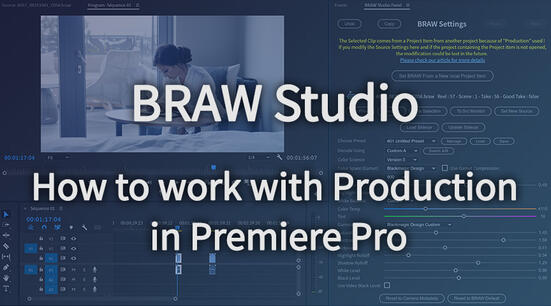
Premiere Pro Productions with .BRAW (Blackmagic RAW)
If you are working with BRAW Studio and the Premiere Pro feature called Production, there are some important things you need to know !
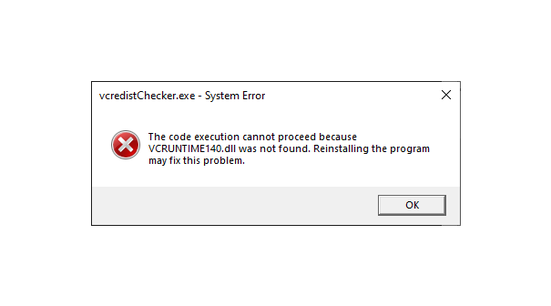
vcruntime140.dll was not found : How To Install VCRedist to use our plugins
You need to install VCRedist (Visual C++ Redistributable) from Microsoft in order to use our plugins and other Windows applications
Introduction to Autokroma Influx (All-in-one Importer for Adobe Premiere Pro, Media Encoder and After Effects)
Try out our V1 of Influx native importer plugin for Adobe CC video software !
AfterCodecs Premiere Pro Audio Features
Full Tutorial on how to use the AfterCodecs Audio Features in Premiere Pro
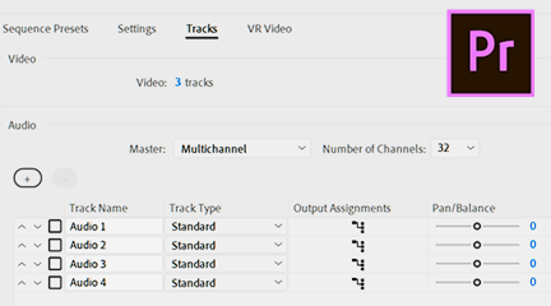
Creating a Multichannel Audio File in Premiere Pro
Full Tutorial on how to create multichannel files in Premiere Pro

How to Lossless trim your AVC / H264 and HEVC / H265 files in Premiere Pro
You can now trim your AVC / H264 and HEVC / H265 files in Premiere Pro !
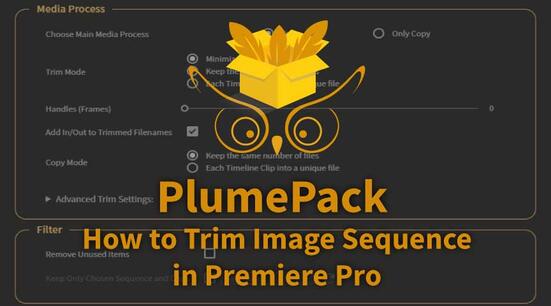
How to trim your Image Sequence in Adobe Premiere Pro
You can now trim your Image Sequence in Premiere Pro !
BETA for AfterCodecs V2 (Exporter for Adobe Premiere Pro, Media Encoder and After Effects)
Try out our latest BETA for the second upcoming version of AfterCodecs, new features to test !
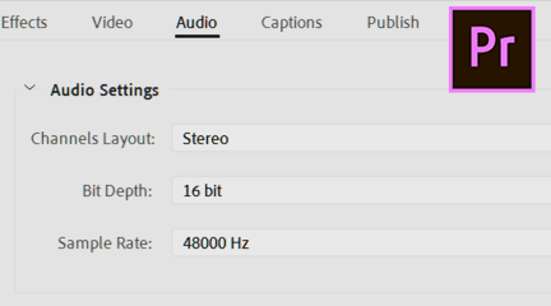
Exporting/Importing Mono, Stereo and 5.1 in Premiere Pro
Full Tutorial on how to export/import different types of audio in Premiere Pro
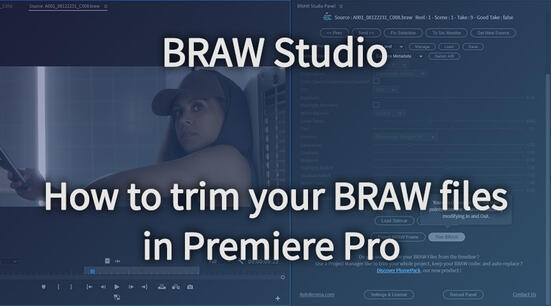
How to trim your BRAW files without re-encoding ?
You can easily trim your BRAW files with BRAW Studio in our Desktop Application or in Premiere Pro !